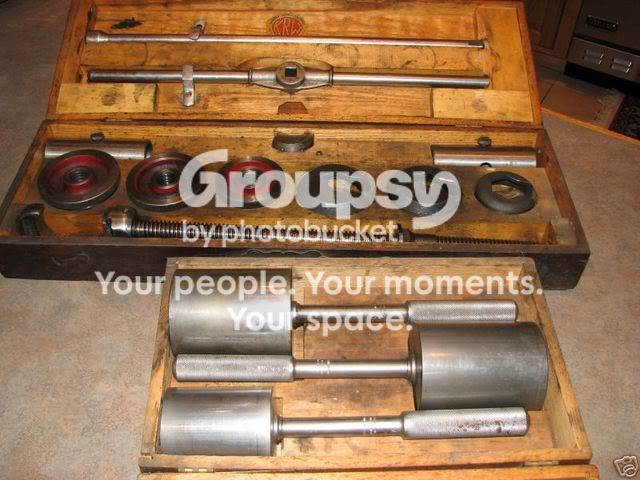
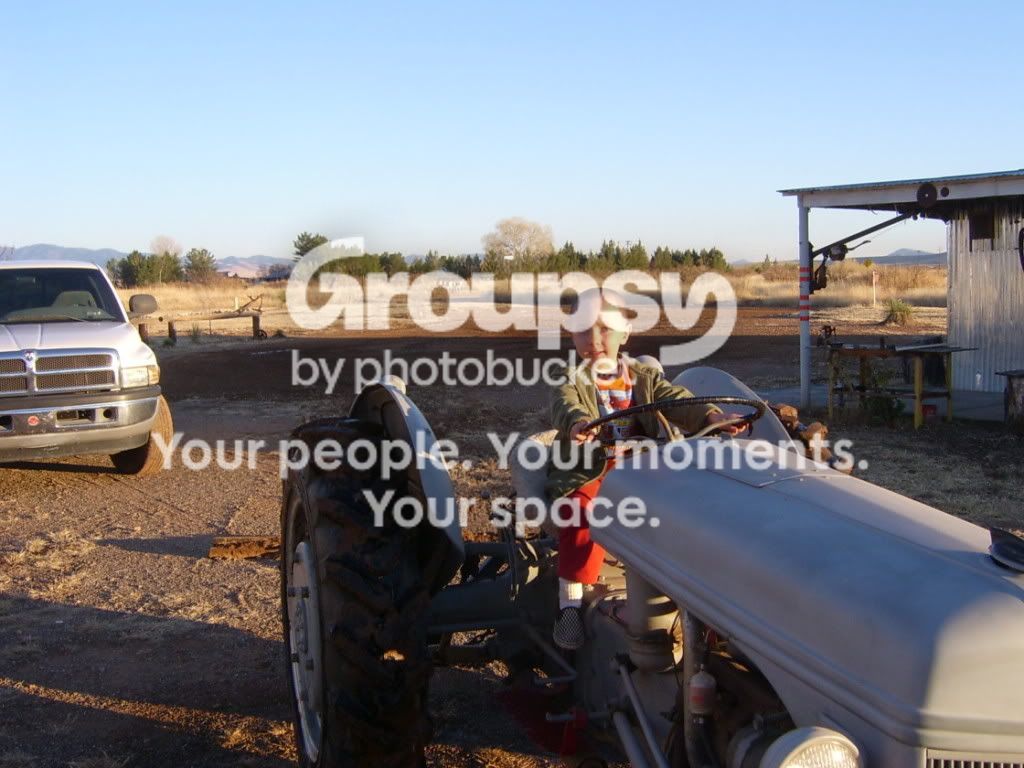
posting a picture from photobucket.com

I have been trying to post a picture from photobucket. I need exact instructions on how to do this. I have tried everything that I know. I would like to post the picture and message on this "post a message" board.
Thanks
Richard
 
About this post, My wife and I tried and tried to follow Briam2's post ofDec. 10 and could not make it work. I have so much that I want to share with all of you and I don't know how!! My Buddy and I do alot together, right now we are tearing down a '42 9N to rebuild and he loves to get his hands dirty. There is a lot here in SE AZ that I would like to share with you all. I could not find the info that I know is in the archives. Please help!!
 
Well, here's how I do it. I use the old view version of this site. Can't get comfortable with modern view for some reason.

In your photobucket album, each thumbnail should have 4 different linking options below it. Highlight and copy the second one. It's called "Direct Link". Then come over here and paste in the box that says "Optional Image URL". Then click on "Preview your reply". The photo should show up in the preview. That's how I did the photo of the oil filter up above.

Now to post photos in the body of your post, you use the photobucket option that says "HTML Code". Copy the contents of that box and paste them in the body of your message. If I've done this right, you should see a photo of a pair of foot pegs below this paragraph:
<a href="http://smg.photobucket.com/albums/v45/Jim.UT/9N295654/?action=view&current=2nPegs3.jpg" target="_blank">
2nPegs3.jpg" border="0" alt="2N Foot Pegs
</a>
You can put multiple photos in a single post with this technique, but if you go overboard, the post will take a long time to load for those on dial up service.
2nCleanFilter2.jpg
 
(quoted from post at 22:08:24 12/15/08) I have been trying to post a picture from photobucket. I need exact instructions on how to do this. I have tried everything that I know. I would like to post the picture and message on this "post a message" board.
Thanks
Richard

1) Go to your Photobucket album and use the mouse to copy the text in the "Direct Link" box below the picture you want to post.

2) Now on this site paste that text into your message wherever you want it to appear

3) Use the mouse to highlight the text you just pasted into the message and click the IMG button at the top of message window.

4) You should now have something like this:

[code:1:51517eee44]&#91;img&#93;http&#58;//i4.photobucket.com/albums/y110/TheOldHokie/45a0_3.jpg&#91;/img&#93;[/code:1:51517eee44]

which will produce a picture like this

TOH

45a0_3.jpg
 
(quoted from post at 03:08:24 12/16/08) I have been trying to post a picture from photobucket. I need exact instructions on how to do this. I have tried everything that I know. I would like to post the picture and message on this "post a message" board.
Thanks
Richard

ALLPICTURESFROMCAMERA173.jpg


It took me awhile to git use to the modern side,,, old dog not want'n to learn new tricks but I did and like the modern over the old,,, I would have to go look at photo bucket to tell ya the link I use,,, I think its the bottom one not sure what its called rite now,,,, dunk can tell for sure
 
So it appears the Direct Link will work on both versions. Go at it Richard. If you need more help just holler. David...........
 
(quoted from post at 03:08:24 12/16/08) I have been trying to post a picture from photobucket. I need exact instructions on how to do this. I have tried everything that I know. I would like to post the picture and message on this "post a message" board.
Thanks
Richard

1st is direct link

Bager.gif


2nd pix is IMG code that I have been use'n,,,, right click and copy then go back to yt modern board then click on Img (right top) [/img] will apper in yer message,,, then right click and paste beside img,,,then if all is good it will show up in yer preview,,, I have photobucket and yt both up at the same time,,, makes it EZ'er


Bager.gif


[/img]
 
If you limit the width of your pictures to 640px. people won't have to scroll sideways to view it and rest of the page. Yours for example is 1024px wide. My guess is the dial up guys would also appreciate a smaller file size closer to 75kb. Photobucket has an easy to use picture editor right there on your album page. :wink:
 
(quoted from post at 10:02:14 12/16/08) If you limit the width of your pictures to 640px. people won't have to scroll sideways to view it and rest of the page. Yours for example is 1024px wide. My guess is the dial up guys would also appreciate a smaller file size closer to 75kb. Photobucket has an easy to use picture editor right there on your album page. :wink:

Dallas, ya beat me to it! Yes, folks. PLease set your photos (in Photobucket or whatever site you are using) to 640. It's the perfect size for message boards and doesn't change the text box to be so large it makes everyone have to scroll back and forth to read it.

Smaller setting work okay, too, but the 640 is just right.
 
(quoted from post at 13:38:07 12/16/08)
(quoted from post at 10:02:14 12/16/08) If you limit the width of your pictures to 640px. people won't have to scroll sideways to view it and rest of the page. Yours for example is 1024px wide. My guess is the dial up guys would also appreciate a smaller file size closer to 75kb. Photobucket has an easy to use picture editor right there on your album page. :wink:

Dallas, ya beat me to it! Yes, folks. PLease set your photos (in Photobucket or whatever site you are using) to 640. It's the perfect size for message boards and doesn't change the text box to be so large it makes everyone have to scroll back and forth to read it.

Smaller setting work okay, too, but the 640 is just right.

Nah - you guys just need to get a bigger display - no scroll bar on my 22" LCD flat panel :D Seriously though, the days of the 800x600 display are gone for the vast majority of people - $175 will get you a 19" flat panel with 1440x900 resolution.

Personally I upload all my pics to Photobucket at maximum resolution and use [code:1:a34d0ffe60] &lt;img width=800 src=...&gt; [/code:1:a34d0ffe60] when I include them inline in a post.

YMMV,

TOH
 
Yesterday's Tractor Forums

We sell tractor parts! We have the parts you need to repair your tractor - the right parts. Our low prices and years of research make us your best choice when you need parts. Shop Online Today.

Back
Top